
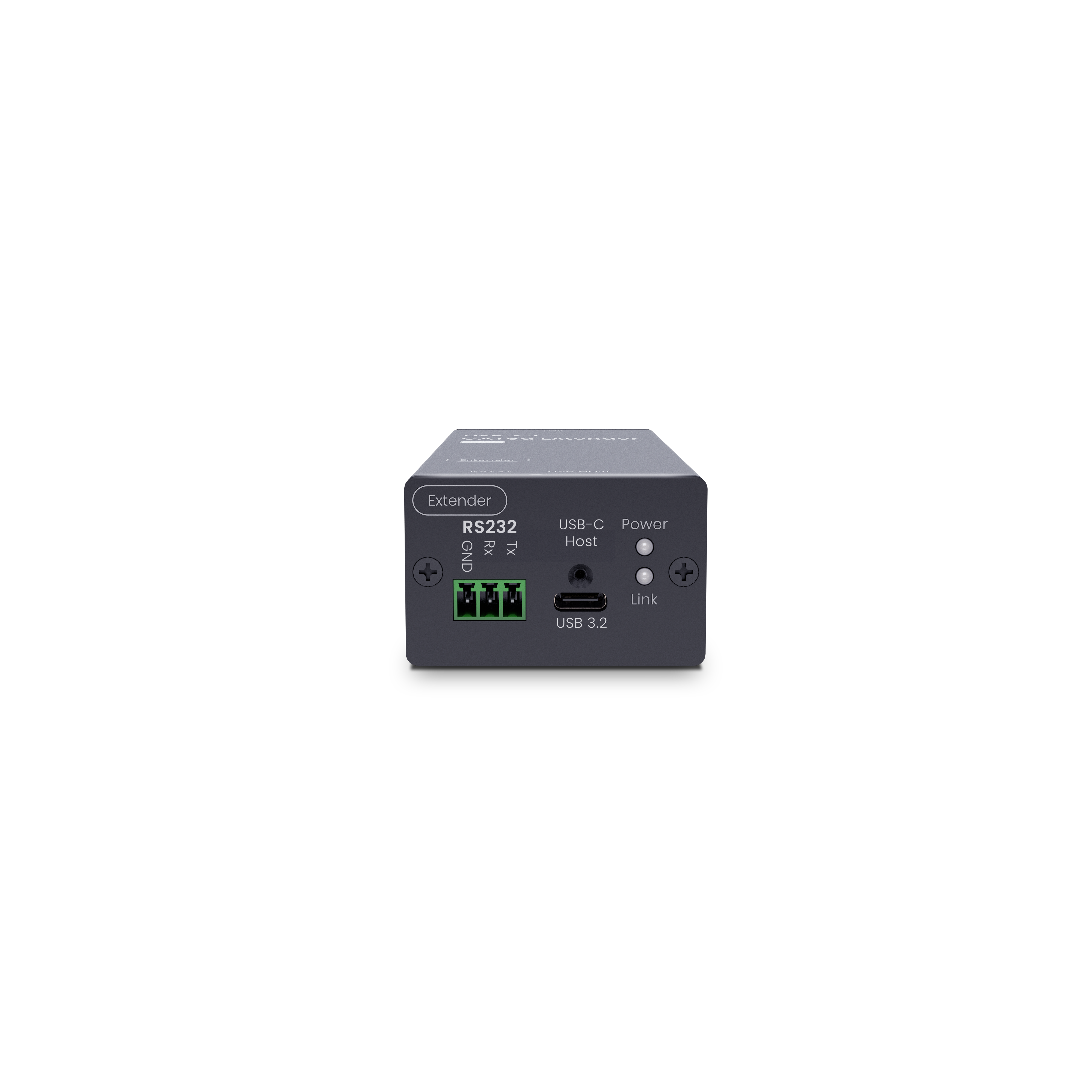


USB Device Not Recognized? Troubleshooting USB Extenders and KVM Systems
A USB device may work normally when connected directly to a computer but stop working after a USB extender or KVM system is added.


USB devices are a cornerstone of connectivity, powering everything from office equipment to gaming setups. However, the inherent limitations of USB cable lengths can sometimes hinder optimal device placement. This guide is designed to help you navigate the world of USB extenders and extension cables, ensuring you make informed choices that suit your needs. Whether you’re extending the reach of your work tools or enhancing your gaming experience, we’ve got you covered with practical advice and tips.
USB cables have a typical maximum transmission distance ranging from 6 feet to 16 feet 5 inches (approximately 1.8 meters to 5 meters). If you only need to transmit data within 10 feet, a standard USB cable should do the trick. These cables don’t require special chips; simply making the cable longer meets general needs.
USB 2.0 and USB 3.0 have slightly different transmission distance limitations:
However, the maximum cable length is largely determined by cable quality. High-quality cables might exceed these basic distance limits, but to ensure safe data transmission, it's advisable to use active cables or extenders when surpassing the recommended lengths.
When we talk about "longer" cables, we’re referring to passive cables. The main difference between active and passive options lies in whether the cable or device includes a transmission chip.
If you're using a USB Ethernet cable extender, it often uses a transmission chip to enhance performance, rather than relying solely on passive transmission.
Passive cables are straightforward, but active USB extension devices offer more options to suit different needs. Let’s explore some common types.
Standard active extension cables often use repeater technology. With USB 2.0, the transmission distance can reach up to 98 feet 5 inches (30 meters). For USB 3.0/3.1, the transmission distance can reach up to 59 feet (18 meters).

Optical fiber extension cables are always active, requiring a conversion chip to transform electrical USB signals into optical signals, which don’t degrade easily. These cables typically range between 50 to 100 feet (15 to 30 meters) and are more common with USB 3.0/3.1 due to the higher costs associated with optical fiber. However, since optical fiber doesn’t conduct electricity, power delivery can sometimes be unstable, so it's something to keep in mind.
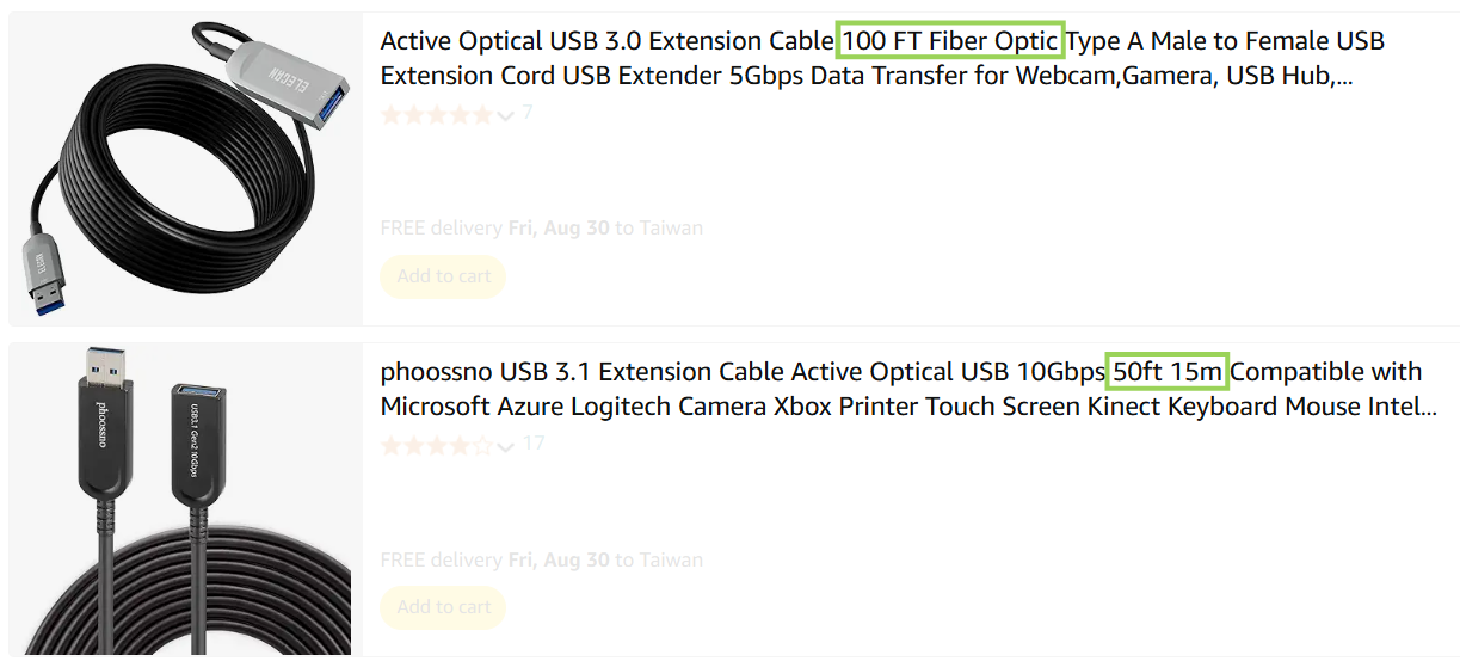

While SC&T currently does not offer USB extension cables, we believe this information will help you make better decisions when selecting extension cables. We’ve noticed that some product specifications are not always clear, so these insights can provide a better reference point when choosing equipment.
USB extenders usually come in pairs, with one device at the host (computer) end and the other at the device end. These are often connected by a network or optical fiber cable, allowing you to choose the right cable or device based on your distance requirements.
For USB 3.0 and above, the leading technologies are Icron and HDBaseT. At SC&T, we use HDBaseT for its superior stability and power transmission capabilities.
These extenders use CAT cables to transmit USB signals, typically requiring power at both the host and device ends for stable transmission. When using a USB ethernet extender, be sure to select the appropriate CAT cable for your bandwidth needs:
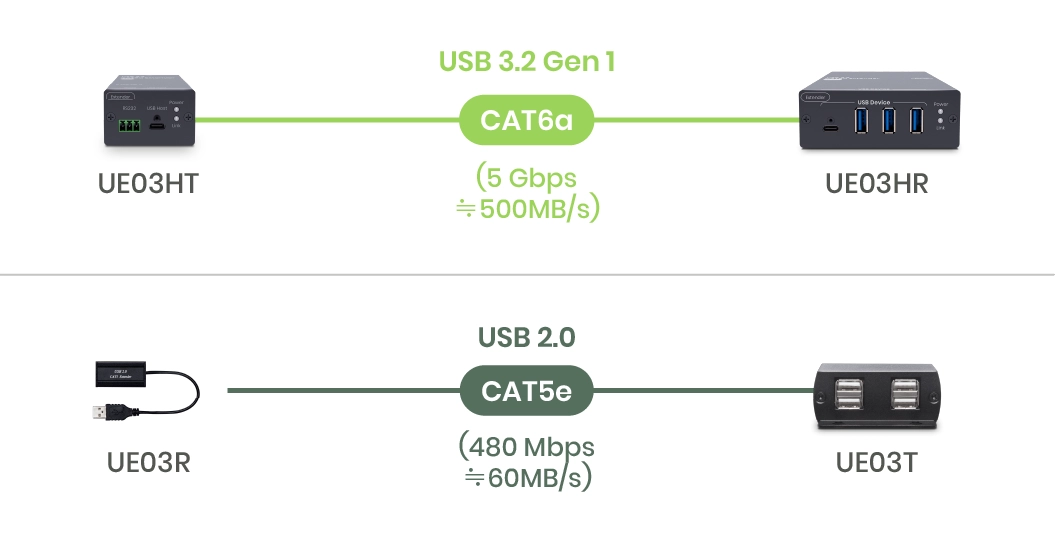
Please be aware that the 5Gbps bandwidth doesn't equate to 640MB/s when divided by 8. Instead, it uses the same 10-bit transmission mode as SATA (with an additional error correction code on top of USB 2.0), so the full speed is only 500MB/s.
These extenders use optical fiber to extend USB signals over longer distances. However, since standard optical fibers don’t carry power, the device at the remote end will need its own power source.

Selecting the right USB extension device is all about matching your bandwidth needs and the distance you need to cover:
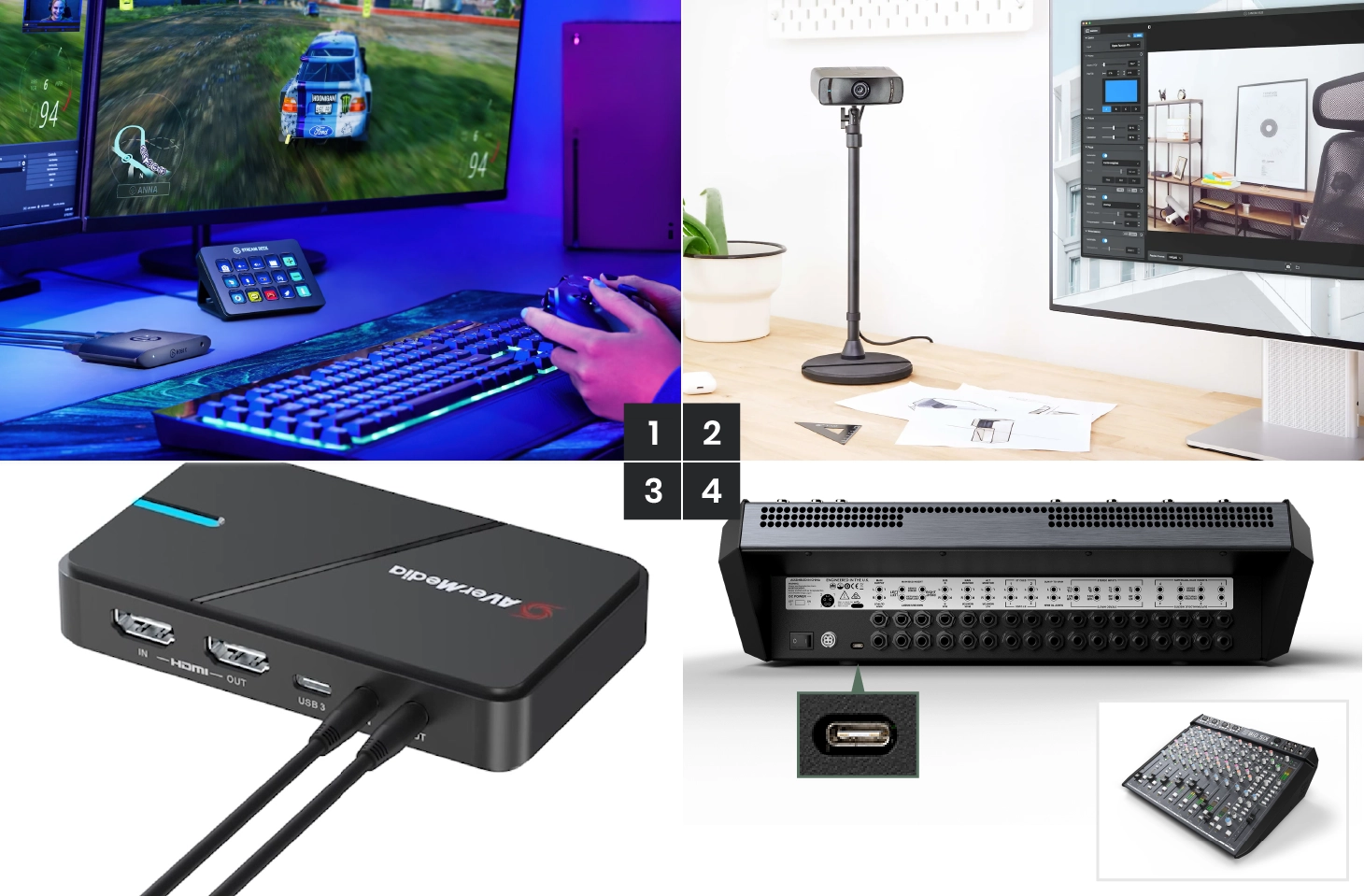
The main purpose of USB extenders is to allow USB devices to be used farther from the computer, overcoming USB transmission distance limitations. Although many USB devices now support Bluetooth, some functions may be restricted. Here’s a breakdown of devices that can benefit from USB extension technology.
In environments like live streaming or podcasting, you may have USB devices located far from your computer, such as:
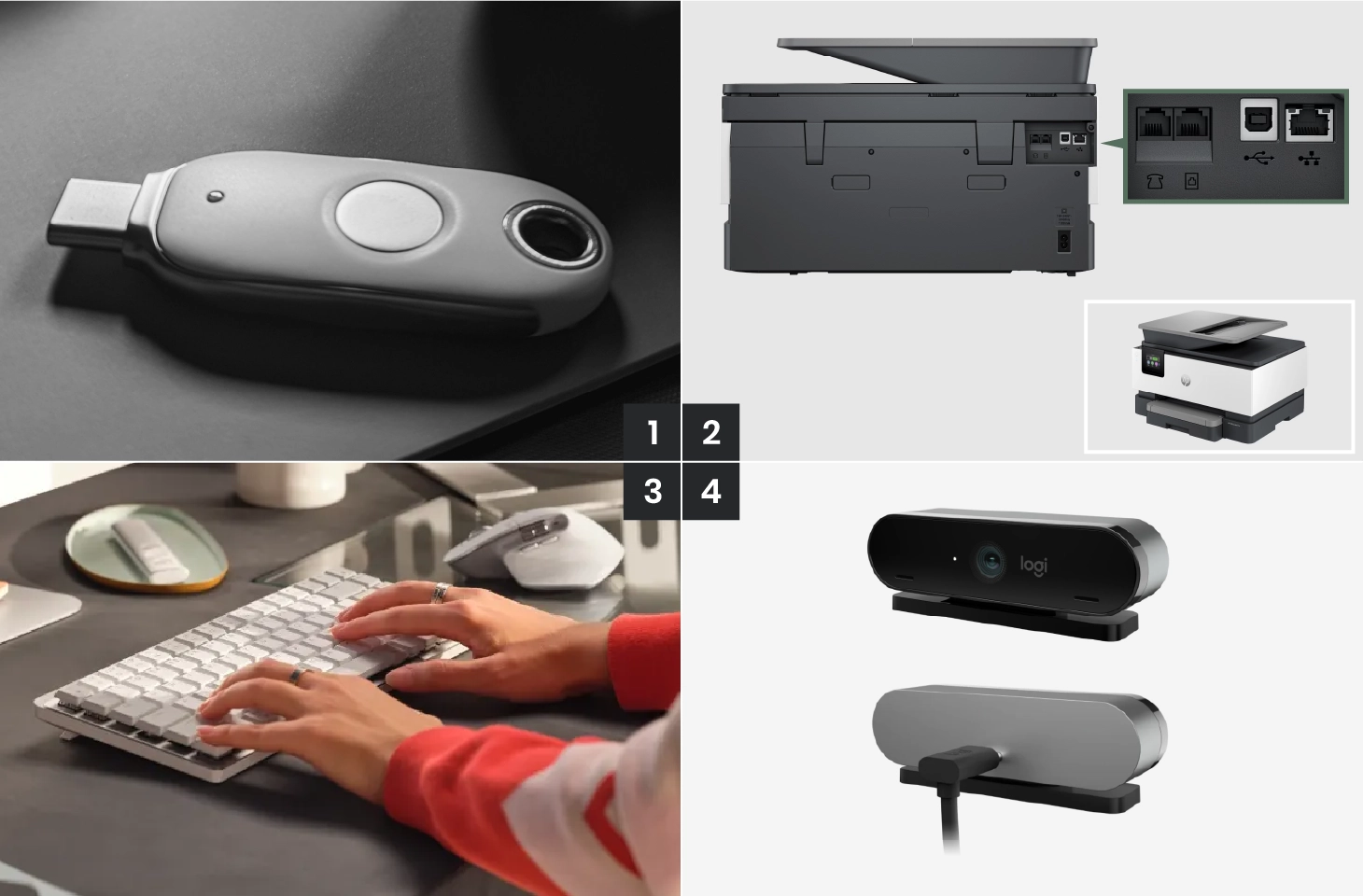
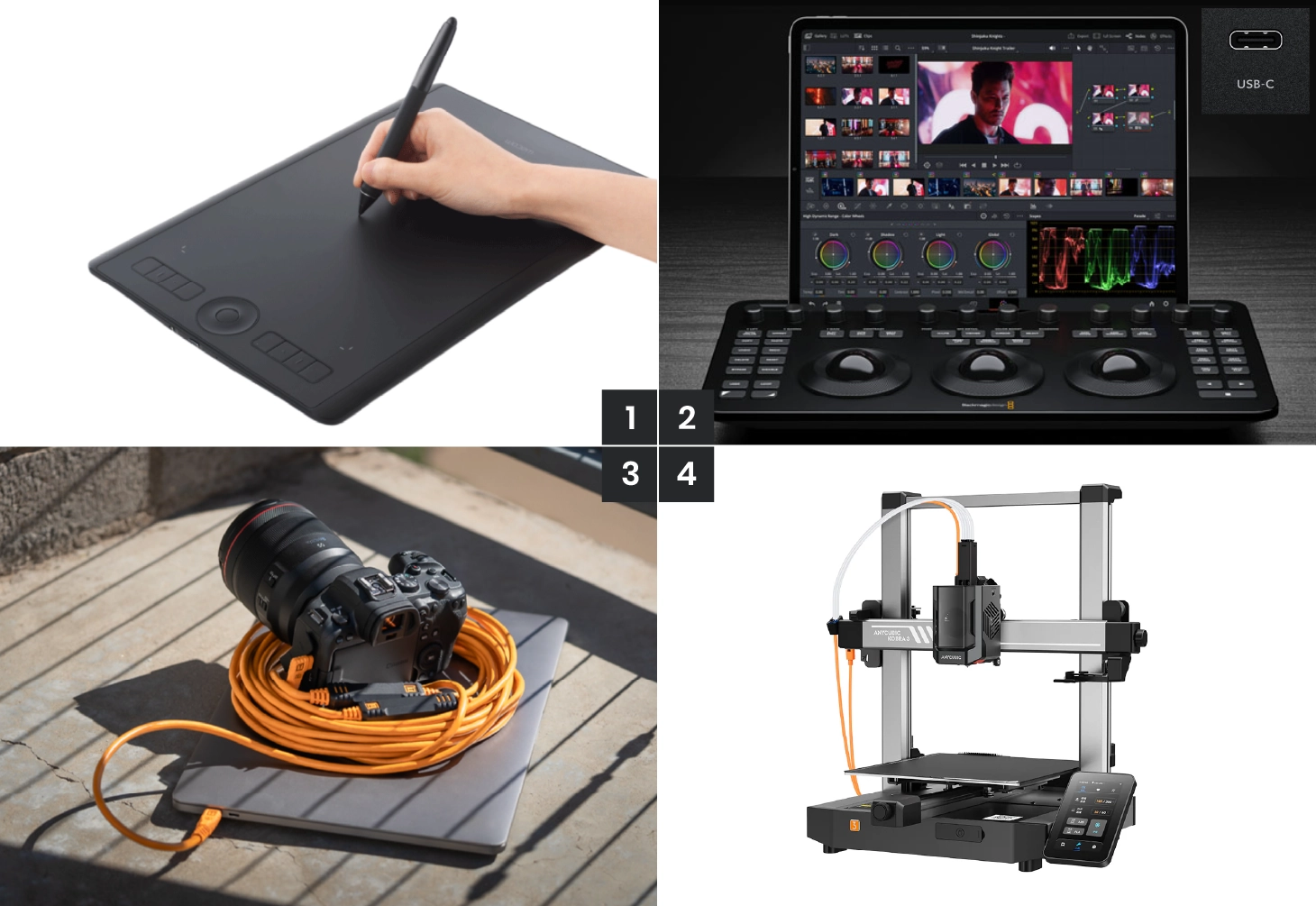
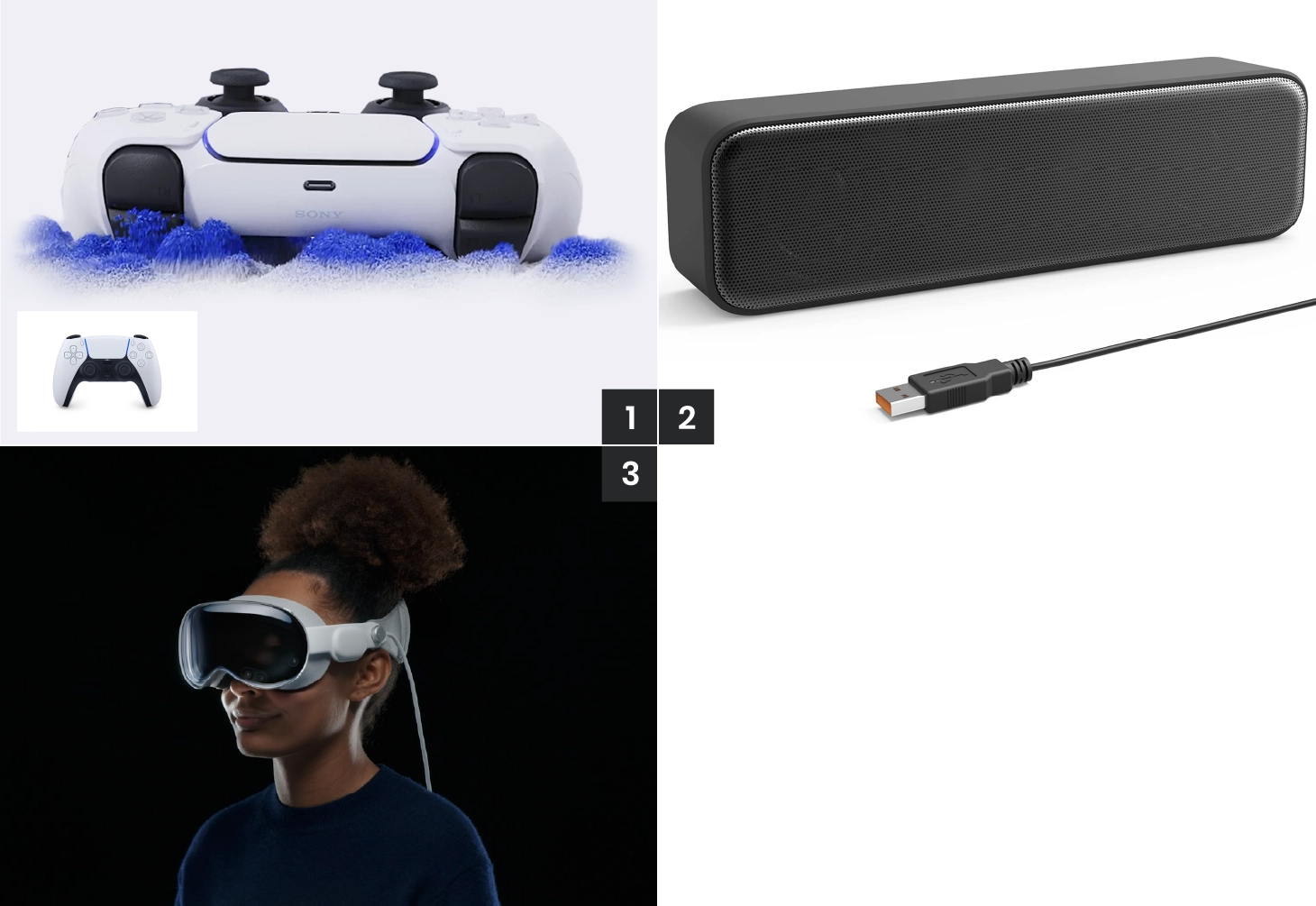

USB has regulations on the number of cascading layers. Cascading USB hubs involve connecting a root USB hub to another tier, which has one or more hubs and a few other devices, and continuing in multiple tiers of hubs and devices.
The USB specification allows for cascading up to seven layers. However, this can vary by manufacturer. For SC&T’s USB 3.2 Gen1 Extender (UE03H), it supports up to three layers of hubs.

There are two USB video transmission technologies worth mentioning here: DP ALT mode and DisplayLink.
USB Extenders Do Not Support DP Alt Mode
DP Alt mode is a technology that allows USB-C to transmit video (as simple as connecting HDMI or DP to your monitor), though it uses DP’s transmission protocol rather than USB-C. Some monitors, like those available at Walmart, already support USB-C.
Unfortunately, UE03H does not support DP Alt mode. Therefore, if video transmission is required, additional external devices are necessary.

DisplayLink
DisplayLink is a newer technology that converts USB to HDMI, offering near-KVM functionality. While our SC&T USB 3.2 Gen1 Extender (UE03H) supports DisplayLink, compatibility depends on the specific device and often requires driver installation. We recommend users test their specific DisplayLink devices for compatibility.

You can use software tools like CrystalDiskMark to compare the speeds of devices connected through an extender versus a direct connection. We suggest using a USB flash drive to test both read and write speeds.
When testing, be mindful of unit conversions, such as Mbps to MB/s:

Choosing the right USB extender or extension cable depends on several factors, including the type of device you're connecting, the bandwidth required, and the distance you need to cover. By considering these factors and selecting the appropriate extension method, you can enhance the flexibility and functionality of your USB-connected devices, whether in a professional or personal setting.
Copyright © SC&T. All rights reserved. No part of this website may be reproduced or distributed without prior written permission.
A USB device may work normally when connected directly to a computer but stop working after a USB extender or KVM system is added.
AV requirements in a medical simulation center go beyond recording a training session. In addition to room camera feeds and audio, a session may require recording patient vital signs, ultrasound images, or displays from other equipment. Some content may need to be sent to a control room or observation area for live viewing and later used during debriefing.
PoE, PoE+, and PoE++ all carry network data and DC power over an Ethernet cable. The main difference is the amount of power they can deliver. Basic PoE works for many low-power devices, such as IP phones and some PoE IP cameras. PoE+ provides more power and is commonly used for PTZ cameras and wireless access points. PoE++ uses IEEE 802.3bt Type 3 or Type 4 to power network devices with higher power requirements.

1. All specifications are subject to change without notice.
2. Brand and product names mentioned are trademarks of their respective companies.
3. The terms HDMI, HDMI High-Definition Multimedia Interface, HDMI Trade dress and the HDMI Logos are trademarks or registered trademarks of HDMI Licensing Administrator, Inc.


