AVoIP System Guide: Understanding Tx/Rx, Encoder/Decoder, and Transceivers
If you search for "HDMI Encoder/Decoder" or "Transmitter/Receiver" online, you are often met with an overwhelming deluge of product information. Furthermore, many AVoIP products don't even explicitly use the term "AVoIP" in their product names. For system integrators (SI) and AV professionals, this market fragmentation can make evaluating AVoIP solutions frustratingly difficult.
AVoIP Procurement Myths: Why are "Tx/Rx" and "Encoder/Decoder" Used Inconsistently
When planning an AVoIP project, you will often find the same device labeled as an "Extender" or an "Encoder/Decoder." While this inconsistency can confuse procurement, these terms simply describe the same hardware from different perspectives:
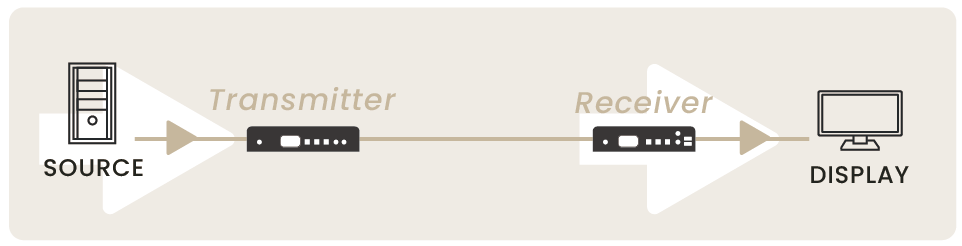
Tx/Rx (Transmitter/Receiver) —
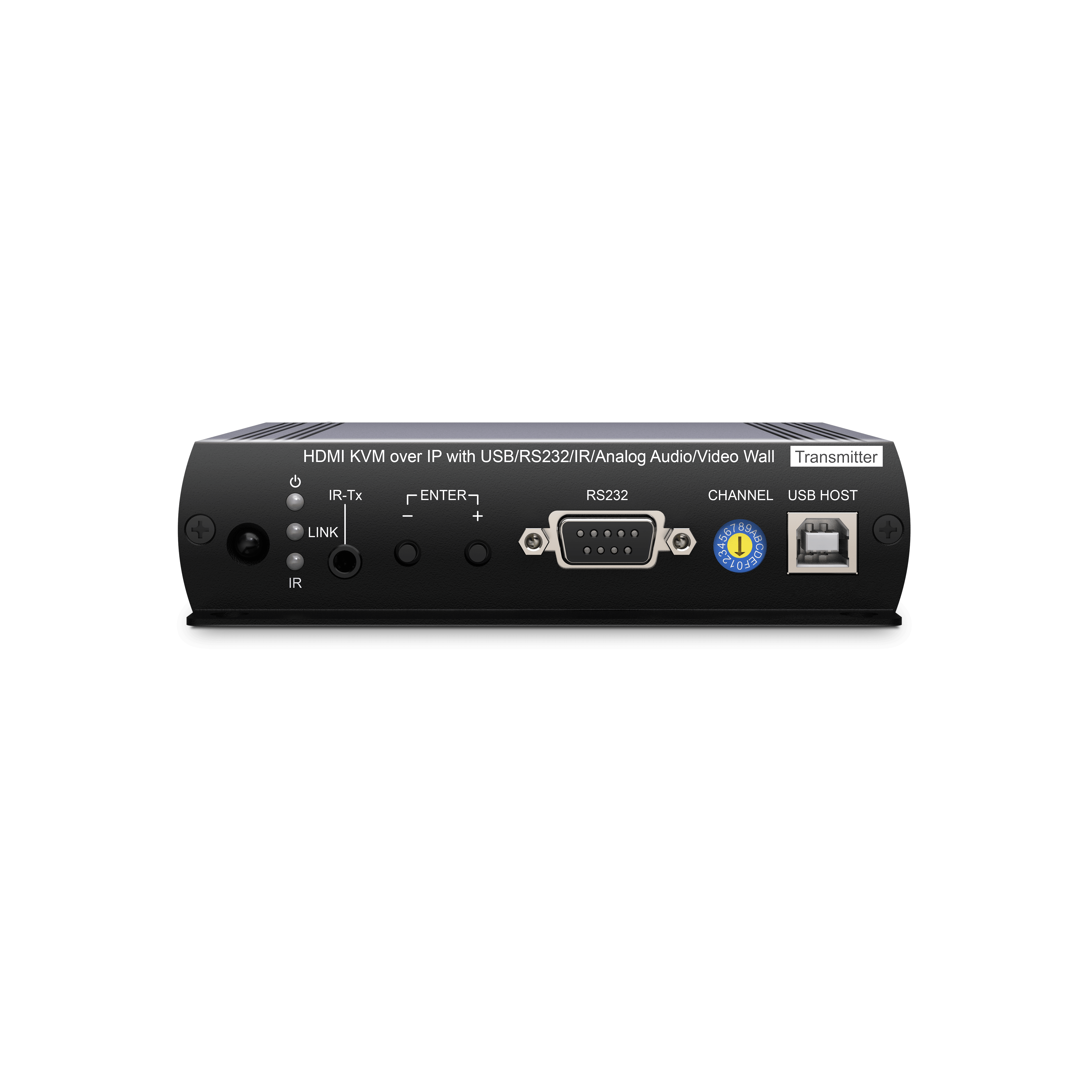
The Installation View: Describes physical placement. The source device is the Transmitter (Tx), and the display device is the Receiver (Rx).
Encoder/Decoder —
The Technical Core: Describes signal processing. The device encodes raw video into IP packets at the source and decodes them back to video at the destination.
The Bottom Line: Tx/Rx defines the device’s physical position in your signal chain, while Encoder/Decoder defines its technical processing capability.
In short: In modern AVoIP systems, these terms usually refer to the exact same device. Tx/Rx tells you where the device is located in your signal chain (physical position), while Encoder/Decoder describes how the device processes the AV data (technical capability).
Note: Many point-to-point extenders also utilize compression technologies to transmit signals over CatX cabling; as a result, manufacturers may also label them as "Encoders/Decoders."
AVoIP Systems vs. Ethernet Video Extenders: Comparison Table
Feature
Point-to-Point Extender
AVoIP Matrix System
IP Configuration
None (Plug-and-Play)
Requires IP setup & Web GUI management
Network Protocols
Proprietary (Doesn't support standard switches)
Supports Multicast, IGMP, & VLAN
Functional Scope
Point-to-Point only (Limited 1-to-Many)
1-to-Many, Many-to-1, & Many-to-Many
AVoIP Procurement Myth: Why are "AVoIP Systems" Often Called "Extenders"?
It’s not just a branding inconsistency; it’s a reflection of AVoIP’s core functionality. While AVoIP systems provide advanced matrix switching, they inherently act as high-performance extenders.
Traditional HDMI cables are limited to 5–10 meters. By converting AV signals into IP packets, AVoIP naturally extends the transmission range to 100 meters per hop over standard Cat6/6a cabling. For field engineers, AVoIP devices are essentially high-performance, long-range transmission solutions that offer the added benefit of matrix routing.
SI Essential Procurement Guide: How to Identify a True AVoIP Solution
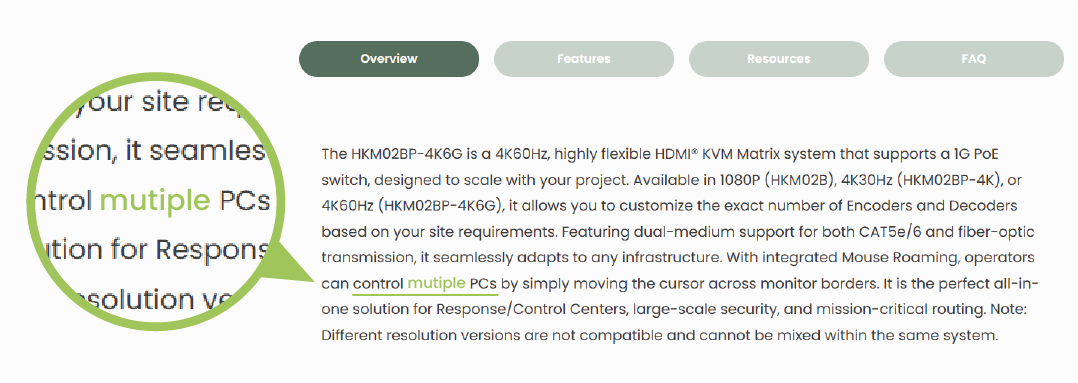
To differentiate between a professional AVoIP matrix system and a basic IP extender, use these two criteria:
Protocol Support:
Entry-level IP extenders often use proprietary protocols that cannot function on standard managed switches. For matrix switching or third-party control, ensure the datasheet explicitly specifies "Multicast support" or "Managed switch compatible."
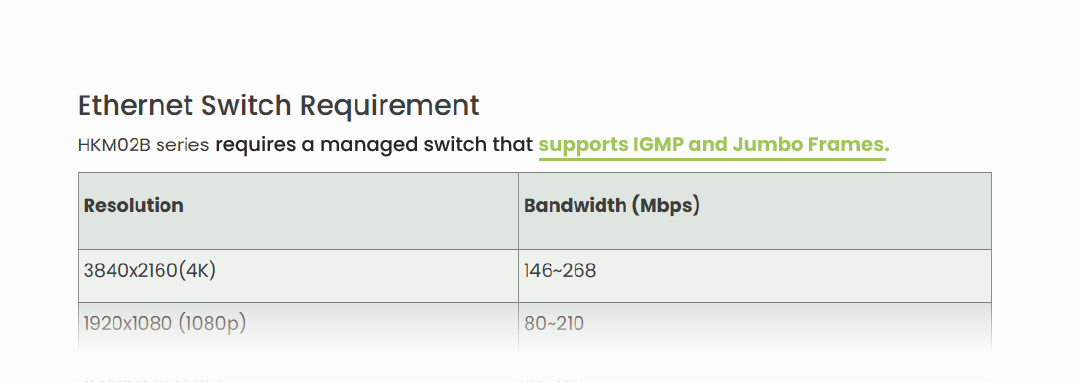
Network Infrastructure Requirements:
Check the technical requirements.True AVoIP solutions demand specific network configurations, such as IGMP Snooping and Jumbo Frame support. If a device only markets a "100-meter extension" without detailing network requirements, it is likely a point-to-point extender with no matrix capabilities.
The AVoIP Variable: What is a Transceiver?
A Transceiver (TRX) is a versatile device that integrates both transmission and reception capabilities. Through configuration, you can toggle a single unit between Encoder (Transmitter) and Decoder (Receiver) modes.
Manufacturers developed TRXs to simplify maintenance, reduce inventory, and enhance project flexibility. Because these units combine both functions, they typically carry a higher price point than single-function transmitters or receivers.
Master the AVoIP Architecture
Product naming often reflects a manufacturer's positioning—emphasizing installation ease (Tx/Rx), core technology (Encoder/Decoder), or operational flexibility (Transceiver).
For System Integrators, the name is just a label. True evaluation relies on system architecture. Use these three "Golden Rules" to identify the right AVoIP solution:
1. IP Manageability: Is the device network-addressable for remote configuration?
2. Standard Protocol Support: Does it support open standards like Multicast and IGMP?
3. Control Interface: How are signal routing and system management handled?
By applying these criteria, you can cut through technical ambiguity and confidently design highly scalable, stable professional AV systems.
Thank you ! Your request has been accepted. We’re looking forward to getting in touch with you. You can expect our response within 3 days. If not, please double check your spam folder.
Oops! Something went wrong while submitting the form.
Thank you ! Your request has been accepted. We’re looking forward to getting in touch with you. You can expect our response within 3 days. If not, please double check your spam folder.
Oops! Something went wrong while submitting the form.
Thank you ! Your request has been accepted. We’re looking forward to getting in touch with you. You can expect our response within 3 days. If not, please double check your spam folder.
Oops! Something went wrong while submitting the form.
Thank you ! Your request has been accepted. We’re looking forward to getting in touch with you. You can expect our response within 3 days. If not, please double check your spam folder.
Oops! Something went wrong while submitting the form.
Cookies Consent
We aim to enhance your experience on our website and would love your help to do so!
By accepting the storage of cookies, you assist us in analyzing website usage and refining our marketing strategies. We use cookies only to enhance your browsing experience and remember your preferences on this site.
You have full control over your cookie settings and can modify them anytime in the Privacy Preference Center. For a comprehensive understanding of how we protect your privacy, please refer to our privacy policy.