

Beyond Accessibility Compliance: How Universal Design Can Reduce AV Project Rework and Long-Term Cost
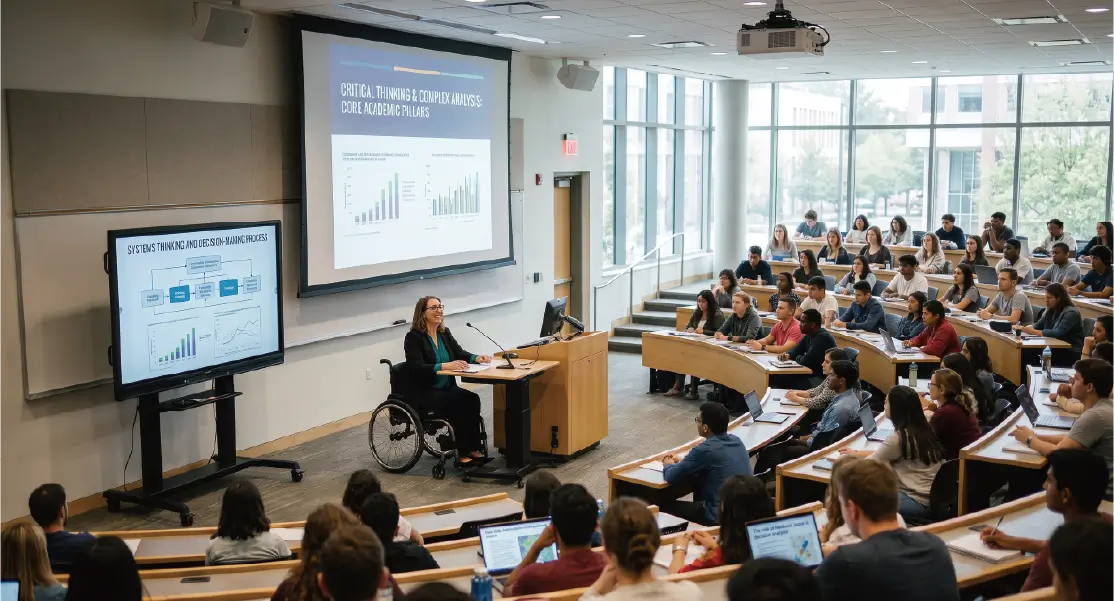
Enterprise, government, and education projects often include accessibility, equal-access, or inclusive design requirements.
For system integrators, however, meeting the minimum requirement does not necessarily mean that a system is ready for real-world use.
A more important question is:
Will the system require repeated modifications once different users begin using the space?
Inspired by the HETMA session Ensuring Universal Design in AV, this article examines how universal design can be incorporated into requirement definition, space planning, equipment selection, and standardized AV deployment.
What Is Universal Design?
Universal design aims to identify potential barriers during the initial planning stage rather than waiting for a specific user requirement to appear.
These barriers may include:
- Difficulty seeing displayed content
- Poor speech intelligibility
- Inaccessible equipment or control interfaces
- Complex operating procedures
- Fixed-height lecterns or workstations
- Unequal access to remote or recorded content
Universal design does not necessarily mean adding a large number of specialized devices.
It is better understood as a planning method that reduces barriers before the system is built.
Moving from Reactive Modification to Proactive Planning
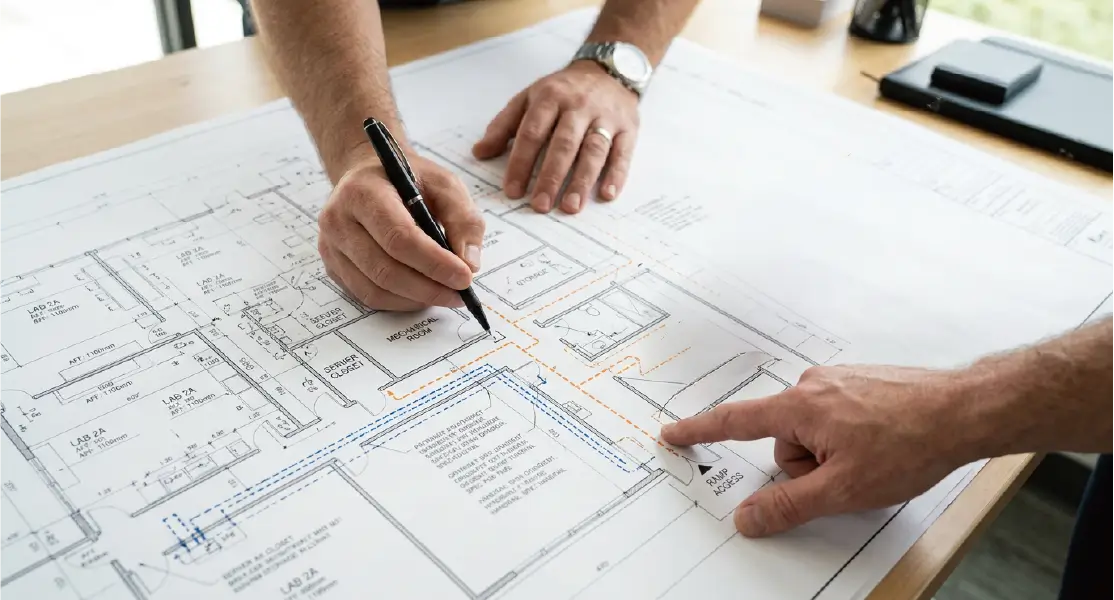
Traditional compliance is often reactive.
A problem is discovered after a user enters the space, and the project team then responds by:
- Relocating a touch panel or input connection
- Adding assistive listening, captioning, or recording equipment
- Modifying control programming
- Adding cameras or displays
- Moving a lectern or equipment location
- Changing cabling or power distribution
When these changes occur after installation or acceptance, they typically cost more than including them during the original design.
They may require additional equipment, new cabling, construction work, software changes, updated documentation, and repeated system testing.
Universal design encourages integrators and customers to ask earlier:
- Who will use the space?
- What barriers might different users encounter?
- Which functions could support several types of users?
- Which design decisions could reduce future customization?
This approach is not only about regulatory compliance. It is also a way to reduce project risk and post-installation cost.
Course Capture: One System with Multiple Benefits
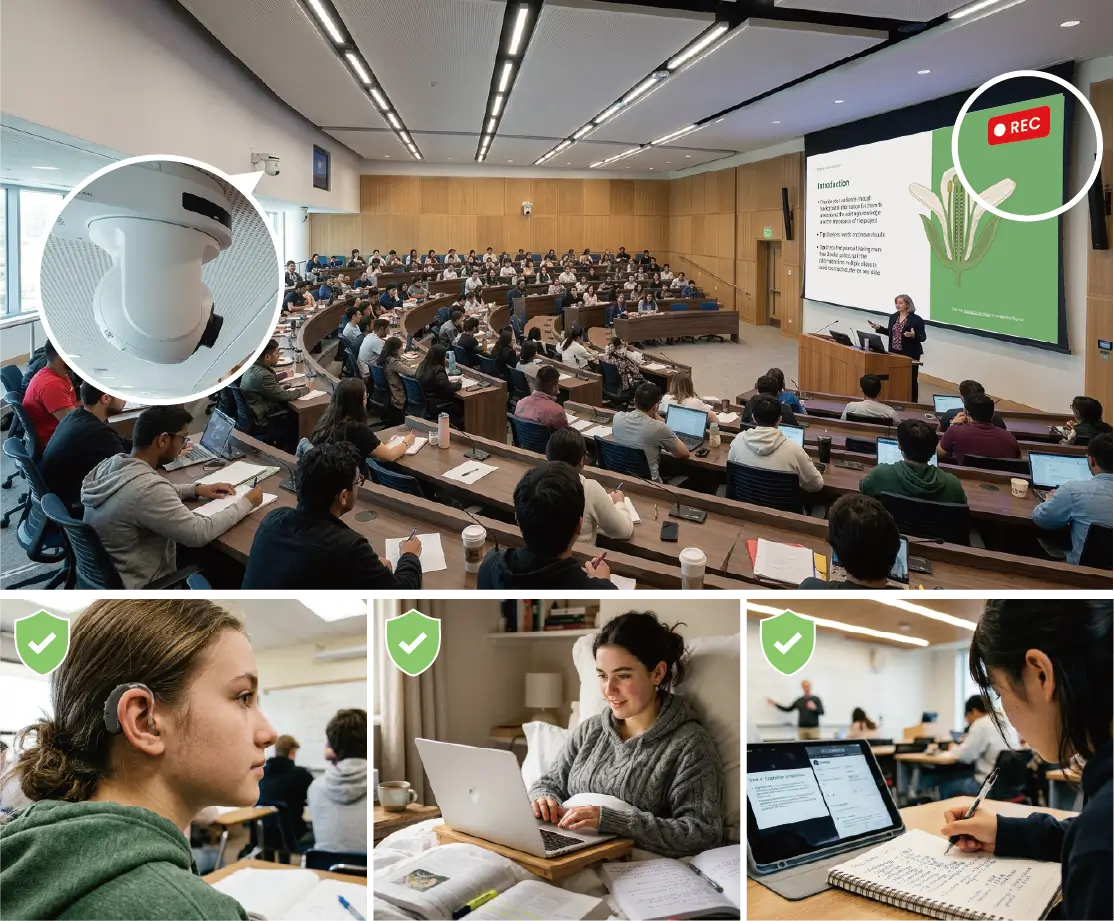
The session identifies course capture as one of the most useful accessibility technologies in higher education.
It should not be viewed only as a remote-learning tool left over from the pandemic.
When properly integrated with cameras, microphones, presentation content, captions, and storage workflows, course capture can support:
- Users with hearing needs
- Users who need enlarged presentation content
- Non-native speakers
- Students unable to attend because of health, weather, or transportation
- Learners who need to review difficult material
- Faculty who want to evaluate or reuse teaching content
This reflects an important principle of universal design: a function originally introduced for a specific requirement often improves the experience for a much wider group.
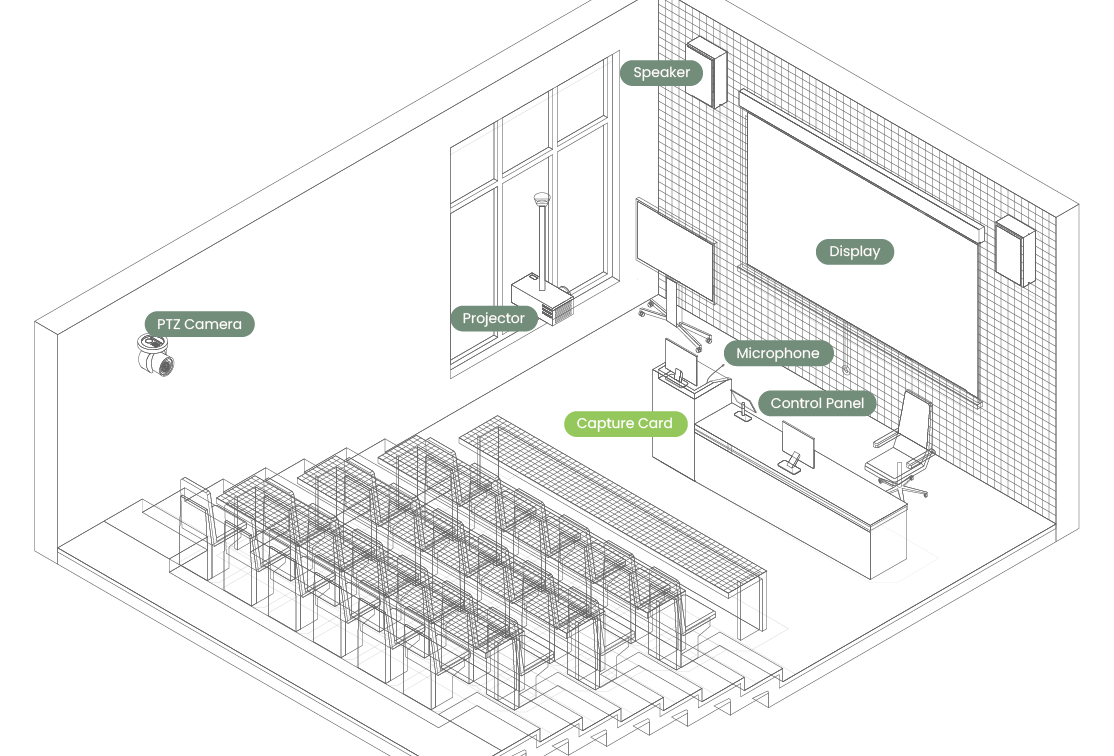
For integrators, the value of course capture depends on more than the recording appliance itself. The entire workflow must be reliable, including:
- Microphone capture
- Speech recognition and captioning
- Camera framing
- Presentation signal capture
- Remote participant video
- Storage and publishing
- Simple recording controls
Speech Intelligibility Must Be Verified
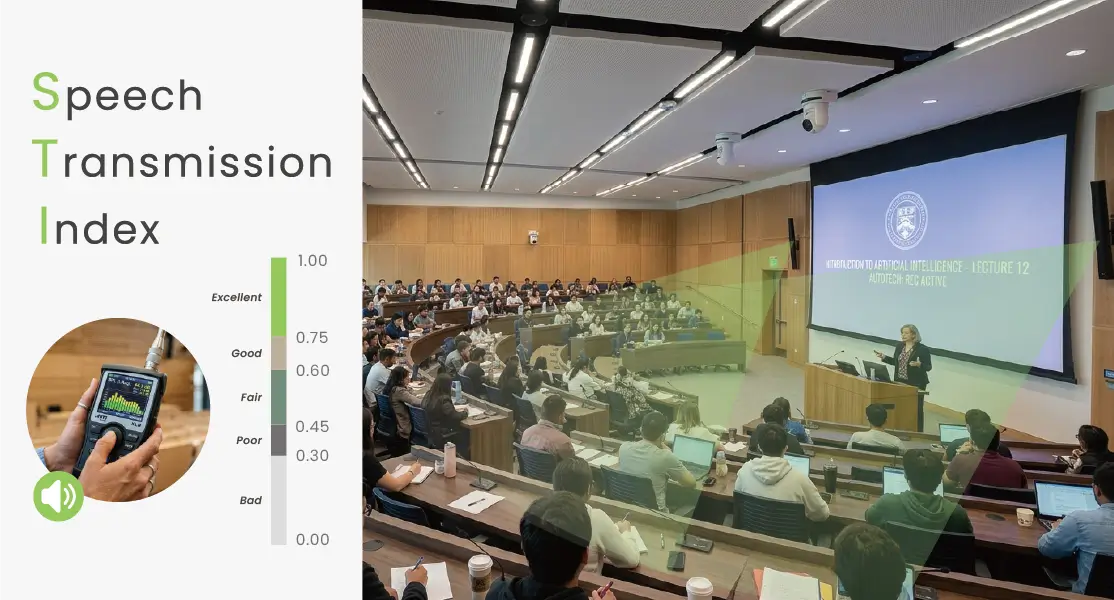
In accessible and hybrid learning environments, having audible sound does not guarantee that speech can be clearly understood.
A case discussed in the session showed that adding acoustic treatment without properly validating the result could reduce the STI, or Speech Transmission Index.
This means integrators should not evaluate audio performance only by counting devices or relying on theoretical designs.
A more complete process should include:
- Confirming the teaching and usage patterns of the room.
- Evaluating background noise, reflections, and presenter positions.
- Planning microphone, loudspeaker, and coverage requirements.
- Measuring the completed system.
- Adjusting the design based on verified results.
Speech intelligibility directly affects:
- Understanding in the physical room
- Remote participant experience
- Automatic caption accuracy
- Recorded course quality
- Comprehension for non-native speakers
It is therefore not only an audio-performance issue. It is a core part of system usability.
Small Design Details Can Deliver Significant Value
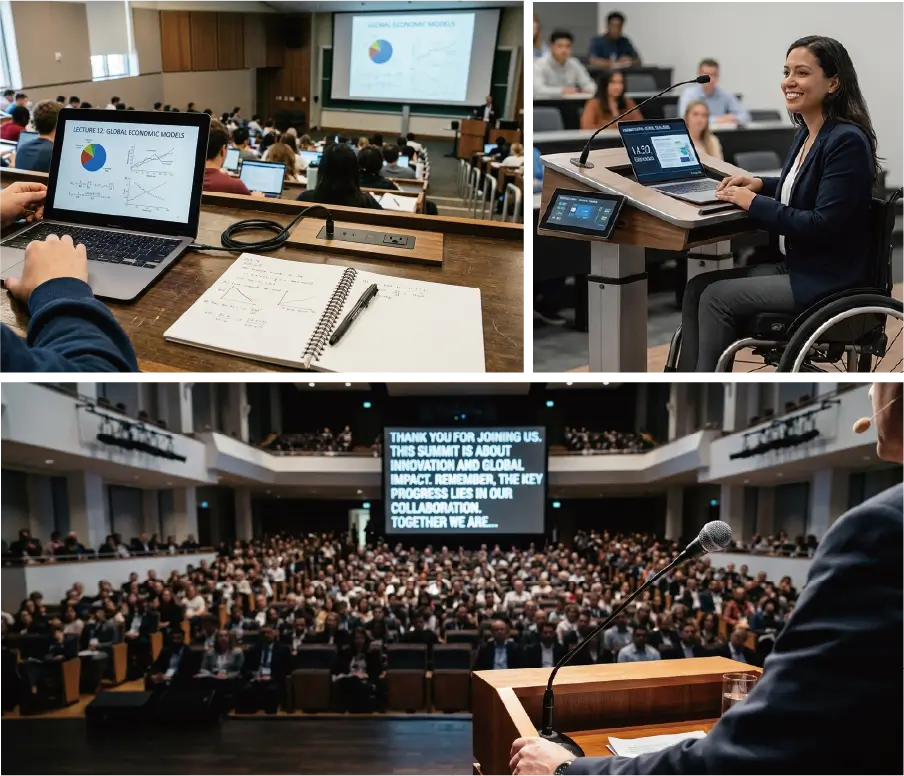
Universal design does not always require a large budget.
The session discusses several relatively simple ideas that can improve daily use.
Powered Shelves
A narrow shelf with nearby power can give students a place to put laptops, charging devices, and teaching materials.
This reduces the likelihood of devices and cables being placed on the floor, helping to reduce trip hazards and improve access to power.
Height-Adjustable Lecterns and Workstations
Adjustable equipment supports wheelchair users, but it also benefits presenters of different heights.
Rear Confidence Displays
Large displays placed at the rear of a classroom can allow instructors to view remote participants, presentation content, or recording status without repeatedly looking down at a laptop.
Each of these examples addresses a specific barrier while improving the experience for many other users.
Balancing Room Capacity and Accessibility
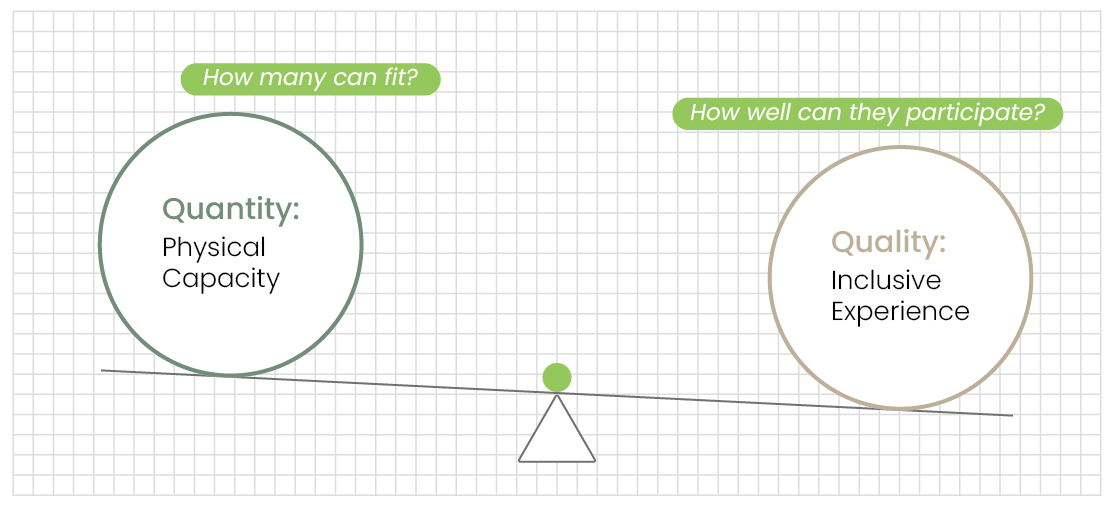
Education projects often attempt to maximize the number of seats within a fixed space.
However, higher seating density can reduce:
- Accessible circulation
- Sightlines
- Access to equipment and controls
- Teaching flexibility
- Interaction between instructors and students
A case discussed in the session compared a higher-capacity lecture room, where users had to identify themselves to access designated seating, with a more flexible room that allowed more users to choose where they sat.
The more flexible room supported broader access but accommodated fewer people and required instructors to adapt their teaching methods.
Integrators and consultants should therefore avoid treating the requested seat count as the only design objective.
They can help customers examine:
- Actual class sizes
- Room utilization
- Teaching methods
- Circulation and sightlines
- Support records
- Different user requirements
Data can help project teams make a more informed trade-off between capacity, functionality, and user experience.
Implementing Universal Design Through Standardization
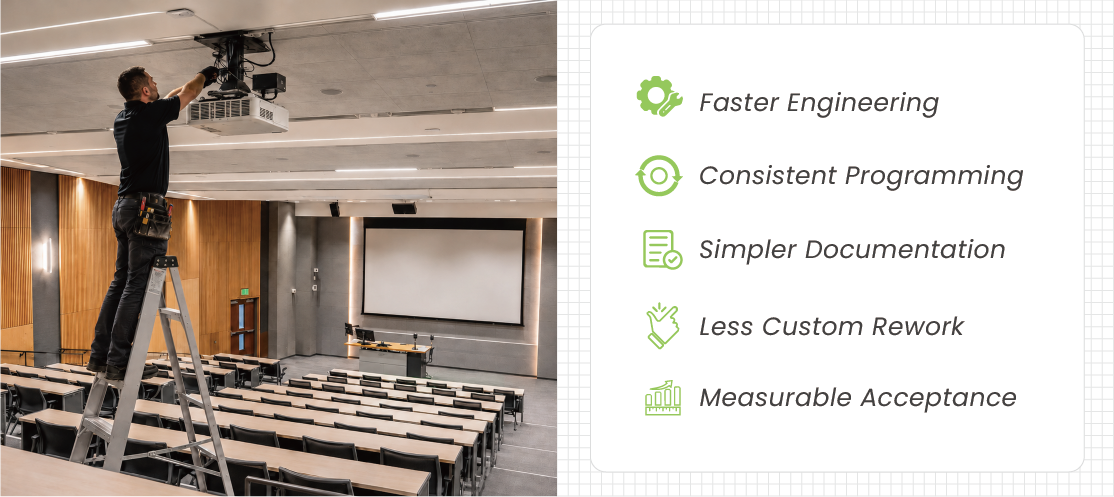
Large campuses, enterprises, and government organizations often manage many similar spaces.
If every accessibility requirement is addressed only after an individual request appears, the organization may accumulate a large number of custom designs and maintenance variations.
A more scalable approach is to include universal design in standard room specifications.
These standards may define:
- Control-interface height, size, and operating method
- Course capture and captioning capabilities
- Microphone and camera coverage
- Display visibility and readability
- Adjustable lecterns or workstations
- Accessible equipment and connection points
- Safe cable and power arrangements
- Rear confidence displays
Standardization can help integrators:
- Accelerate engineering and quotation
- Reduce repeated design work
- Improve consistency between spaces
- Simplify programming and documentation
- Reduce user training
- Limit future custom modifications
- Establish measurable acceptance criteria
This turns universal design from an additional project requirement into a repeatable delivery capability.
The Business Value for System Integrators
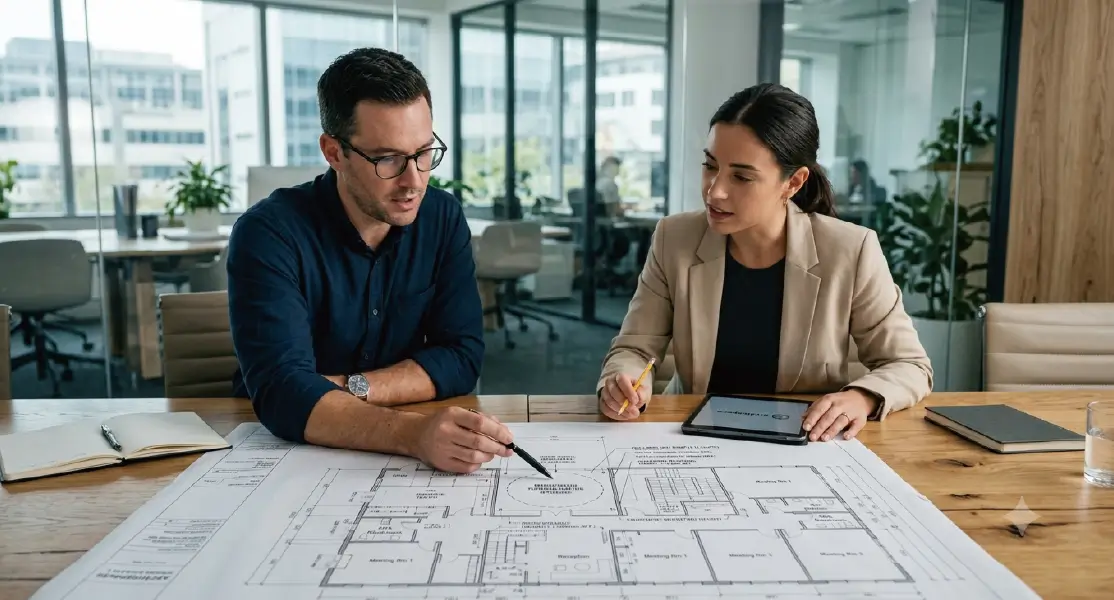
Universal design should not be treated only as a regulatory burden.
For integrators, it can become part of the value proposition.
An integrator that identifies barriers during the requirement stage and proposes standardized solutions demonstrates value beyond equipment installation.
Potential benefits include:
- Fewer change orders and less rework
- Lower additional equipment cost
- Better acceptance and user satisfaction
- Stronger proposals for enterprise, government, and education projects
- Clearer testing and handover standards
- Lower long-term customization and support costs
- A stronger consultative role
For the customer, universal design is not simply an additional expense. It is an early investment that can reduce future risk.
Conclusion: Project Success Should Not Be Defined Only by Compliance
Minimum compliance can reduce legal and acceptance risk, but it does not necessarily create an effective user experience.
A successful AV project should allow users with different abilities, heights, language backgrounds, and levels of technical confidence to complete their tasks with less assistance.
For system integrators, universal design represents a shift from reactive modification to proactive planning.
It turns accessibility, course capture, speech intelligibility, equipment placement, and operating workflows into capabilities that can be standardized, tested, and deployed repeatedly.
How should AV project success be defined?
By completing acceptance and meeting the minimum requirement—or by creating a space that more people can use while reducing future modification?
Original Video
HETMA|Ensuring Universal Design in AV
Content Reference and Disclaimer
This article is inspired by the HETMA session Ensuring Universal Design in AV, including its discussion of universal design, accessibility, course capture, space planning, and higher-education AV practices.
It is not a transcript, complete translation, or section-by-section summary of the original video. To make the material more useful for system integrators, the article includes editorial organization, business-context analysis, and additional recommendations related to design, deployment, standardization, and lifecycle planning. Some statements are editorial interpretations rather than direct quotations and should not be considered the official position of HETMA, the speakers, or the original video producer.


